 FabIS
Send the work out.
Get the status back.
When both shops run PowerFab, they should talk. SubSync (formerly SubFab) keeps a fabricator and its subfabricators in sync: cut lists that arrive ready to cut, progress that comes back without a phone call, and material receipts back to the fabricator.
| Your name | Sub's name | Qty | Receipt |
|---|---|---|---|
| W12x26 A992 | WF12X26 / GR50 | 14 | 14 received |
| HSS6x4x1/4 A500C | TS 6X4X.250 / 46 | 22 | 22 received |
| L4x4x3/8 A36 | ANG 4X4X3/8 / 36 | 40 | In transit |
No more “where are we on that?” calls.
Progress back
Your sub's station progress and shipping come back into your PowerFab, so you see the job move without picking up the phone.
Cut lists, ready to cut
Cut lists arrive ready to cut and already combined, built from the PowerFab data on both sides.
Requisitions
Raise and track requisitions to the shops you subcontract to, so nobody is rebuilding them by hand from an email.
The sub's own names
Your sub calls a grade or a shape something different. SubSync maps your names to theirs, so neither side has to retype.
Material receipts
When a sub receives material, the receipt comes back to the fabricator, so you can see what has landed without a call.
Two shops. Two PowerFabs. One job.
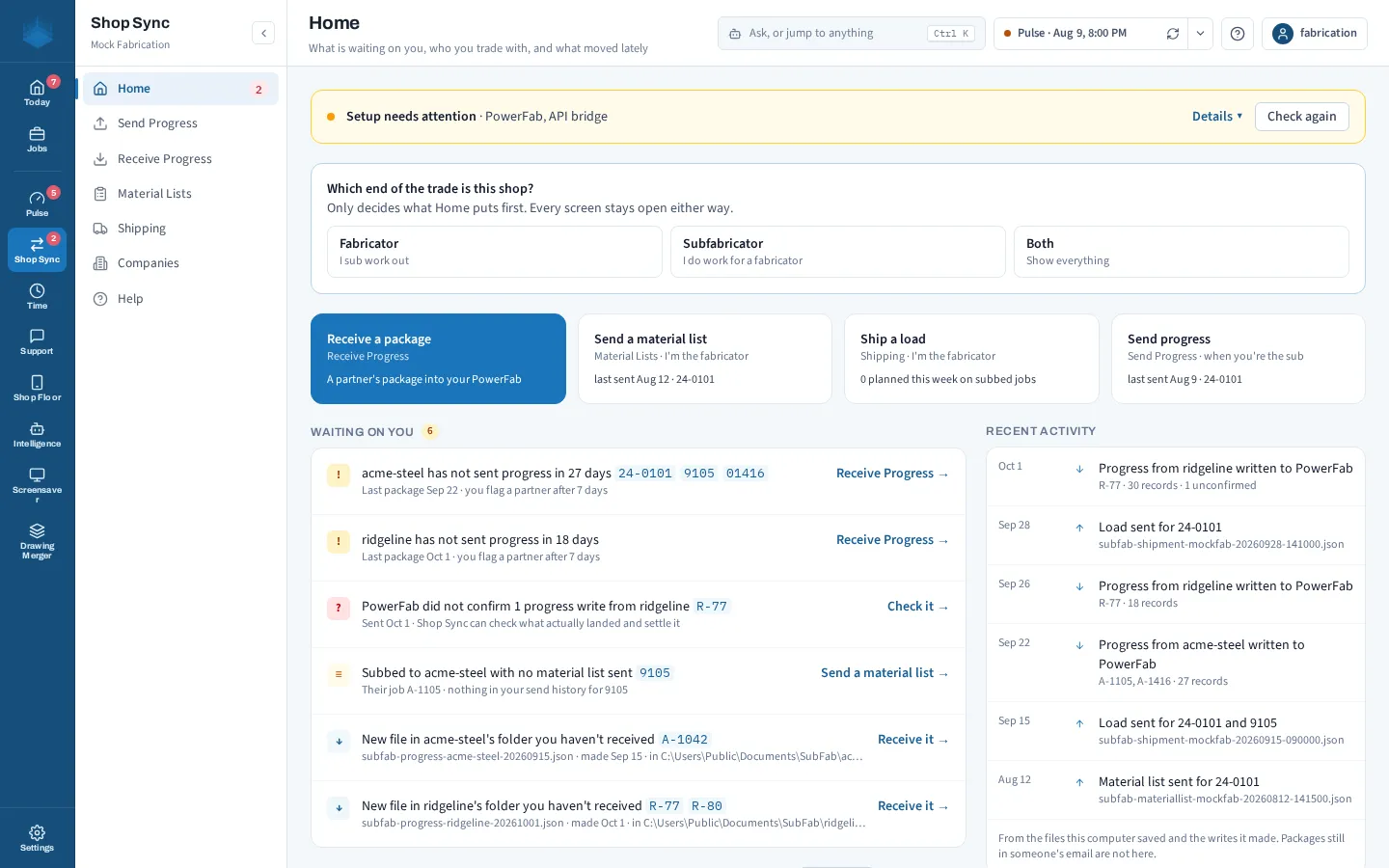
Both shops keep working in their own PowerFab. SubSync carries the information between them, inside the FabIS Hub.
See your sub's progress without picking up the phone.
SubSync's home screen in the Hub, on an invented shop: packages to receive, material lists to send, and recent activity with each partner.